
An assistant for your managers, not a replacement
Operator AI reads every site's day and writes a short brief before you open. Your managers decide what happens next, and our team is a call away.

People make the calls. Operator AI does the legwork.
Operator AI reads every site's day and writes your managers a short brief. It suggests. Your team decides. And when you want a person, you get one.
-
It reads the day
Overnight, Operator AI reads the till, the rota, clock-ins, invoices and the cash-up for every site, alongside the weather and local events.
-
It writes the brief
Before you open, each manager gets a short brief: what happened, why it matters and what to look at today. Weekly and monthly summaries follow.
-
Your manager decides
Nothing changes on its own. Managers still approve the rota, the hours and the invoices. The AI points; people act.
-
A person is there when you want one
Our onboarding team sets Opsyte up with you, and our support team knows your sites. Chat, phone or email, answered by people.
What Operator AI shows your team
The daily brief, and a rota draft for the manager to check and approve.


From your numbers to a brief your managers can act on
It reads what Opsyte already holds, so there is nothing extra to set up.
- A morning brief for each manager
- Daily, weekly and monthly summaries
- Answers to the questions you ask it
- Flags on the rota, the hours and the invoices
What each person gets
General managers
A short brief before service, and a heads-up on anything that needs a decision today.
Area and operations managers
Every site's day in one place, so your time goes to the site that needs it.
Owners and finance
Variances, odd invoices and labour drift flagged early, with the detail one click away.
Reports by hand, and Operator AI
| Without Opsyte | With Opsyte |
|---|---|
| Numbers pulled together by hand each morning | A brief written overnight for every site |
| Problems found at month end | Flagged the next morning, while you can still act |
| A dashboard you have to go and read | A short brief that says what to look at |
| Help from a ticket queue | Onboarding and support from people who know your sites |
Your questions, answered
Does Operator AI change anything by itself?
No. It reads, summarises and suggests. Your managers approve the rota, the hours and the invoices, as they always have.
What does it read?
Till sales, the rota, clock-ins, supplier invoices and the cash-up for each site, alongside the weather and local events.
Who sees the brief?
Each manager sees their own sites. Owners and finance can see every site, depending on their permissions.
Can I ask it questions?
Yes. Ask about your sites in plain English and it answers from your own numbers.
Can I speak to a person instead?
Always. Our onboarding team sets Opsyte up with you and our support team is there by chat, phone or email.
How do I see it?
Book a chat and we will show you Operator AI on a venue like yours.
See Operator AI on a venue like yours
A person from our team will walk you through it, and answer your questions.
The team is always ready to support, explain everything clearly, and make sure all questions are answered. I really appreciate their excellent service and ongoing support.
Want less admin in your venues?
Let’s talk.
Pick a time. Here is what happens next:
- A 30-minute chat with a personSomeone from our team, not a bot, about how you run today.
- Opsyte on a venue like yoursRotas, cash-up, invoices and the P&L, shown on your kind of site.
- A plan to go liveSet up with you by our onboarding team. Most sites are live within a week.
Calendar not loading, or prefer to talk first? Contact the team or call 01252 399024.
Guides from the Opsyte team
-
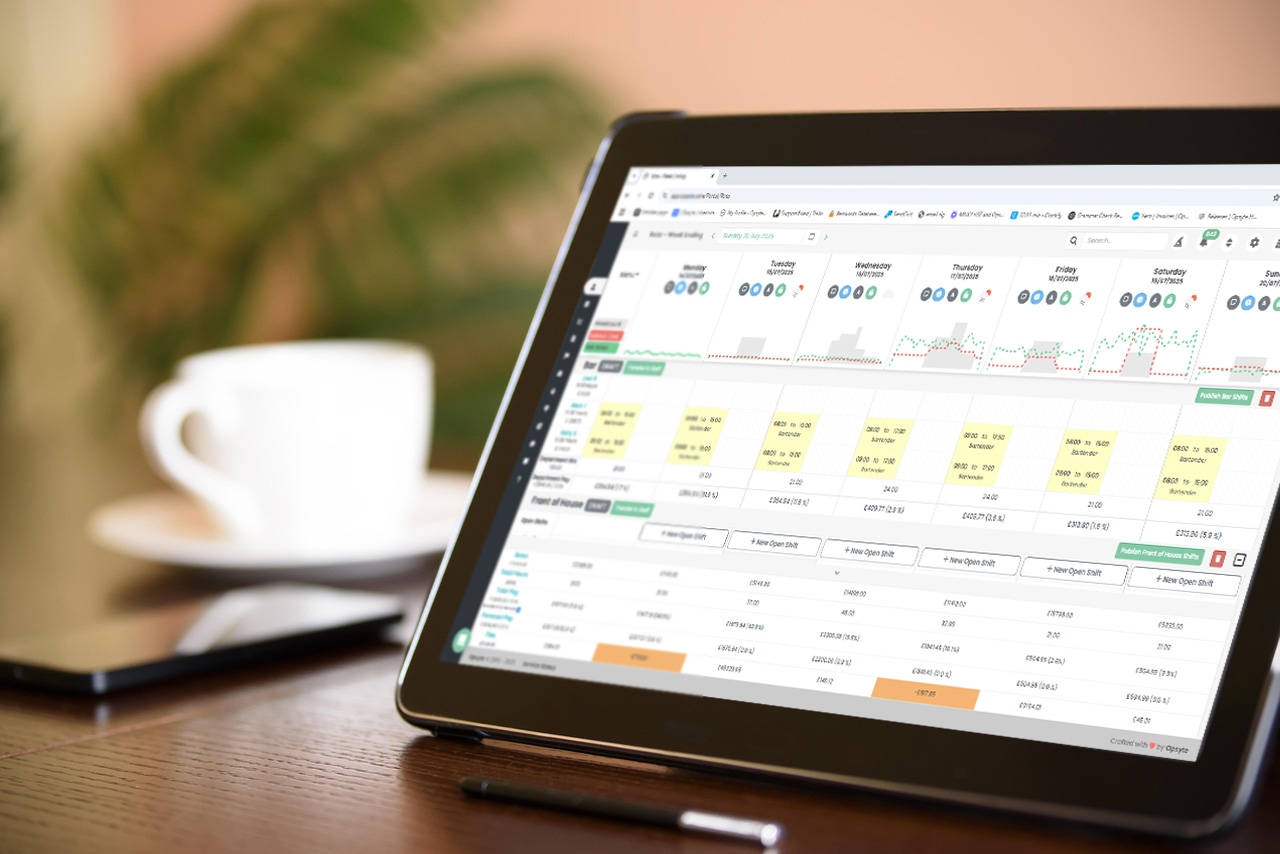
Hospitality Rostering Software: A Practical Guide
Hospitality rostering software for pubs, bars, restaurants and hotels. Build rotas in minutes, see live labour cost against sales and keep staff longer.
-

Employee Onboarding in Hospitality: Process and Software
Employee onboarding for hospitality: digital starter paperwork, e-signed contracts, right-to-work checks and a first rota before day one.
-
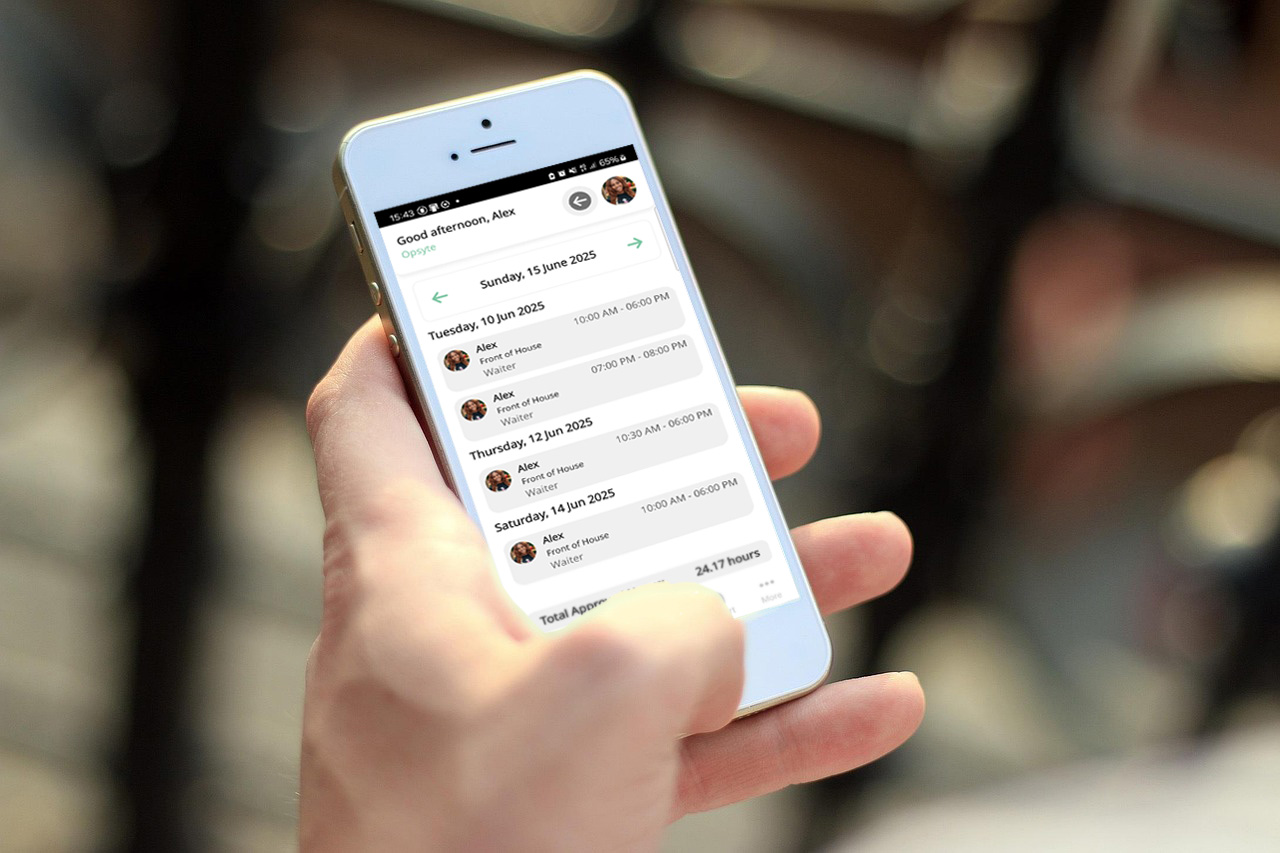
How to Write a Business Report: Restaurant Template
How to write a business report step by step, with the structure, metrics and weekly template restaurant, pub and bar operators use to report performance.